
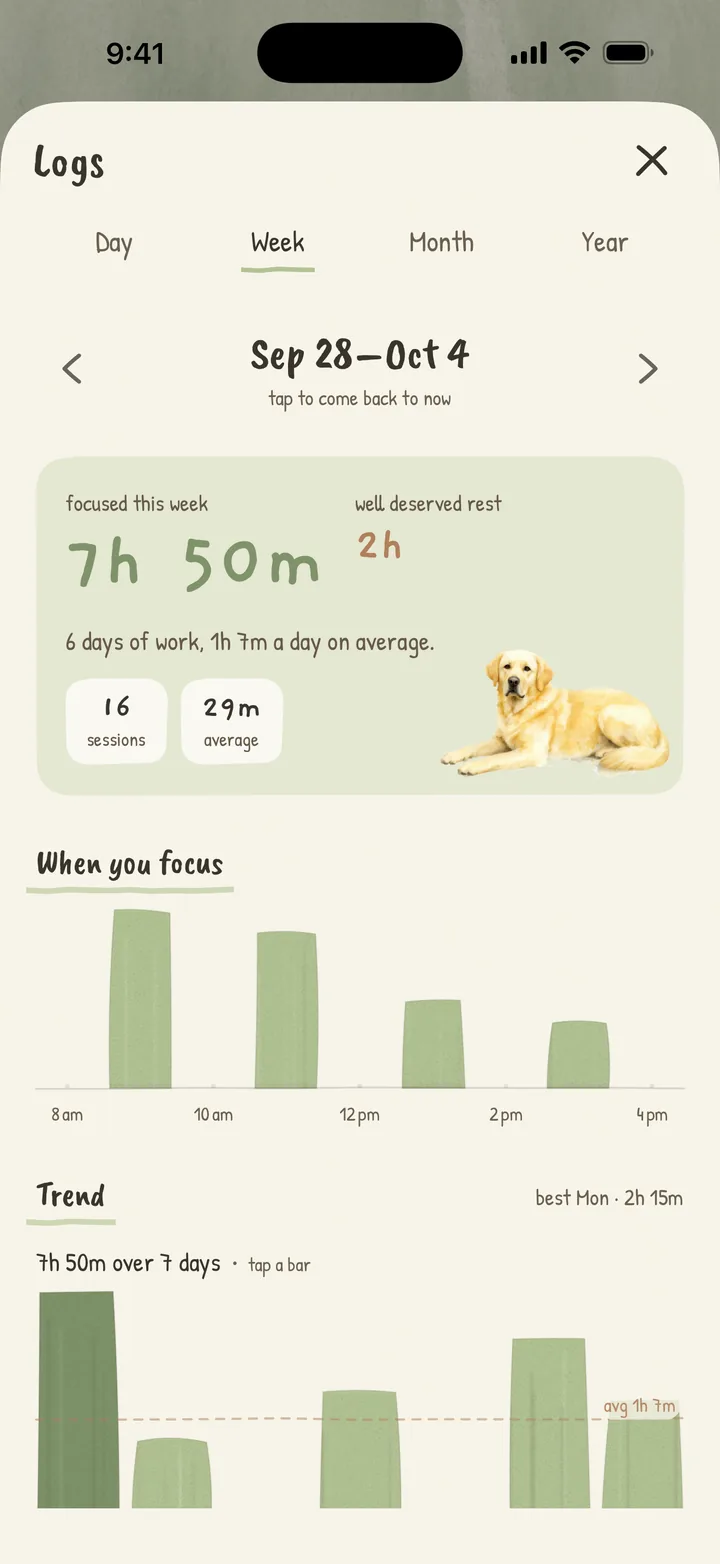
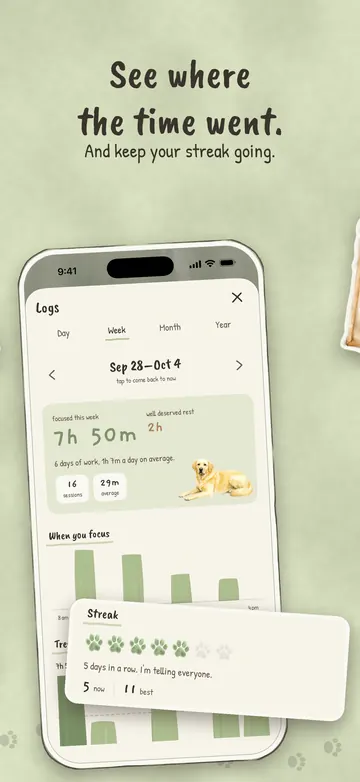
See where the time went.
Logs keep today’s focus time and your streak, and the longest streak you’ve ever had is kept for good. There’s no streak freeze to buy. Pro adds week, month and year.
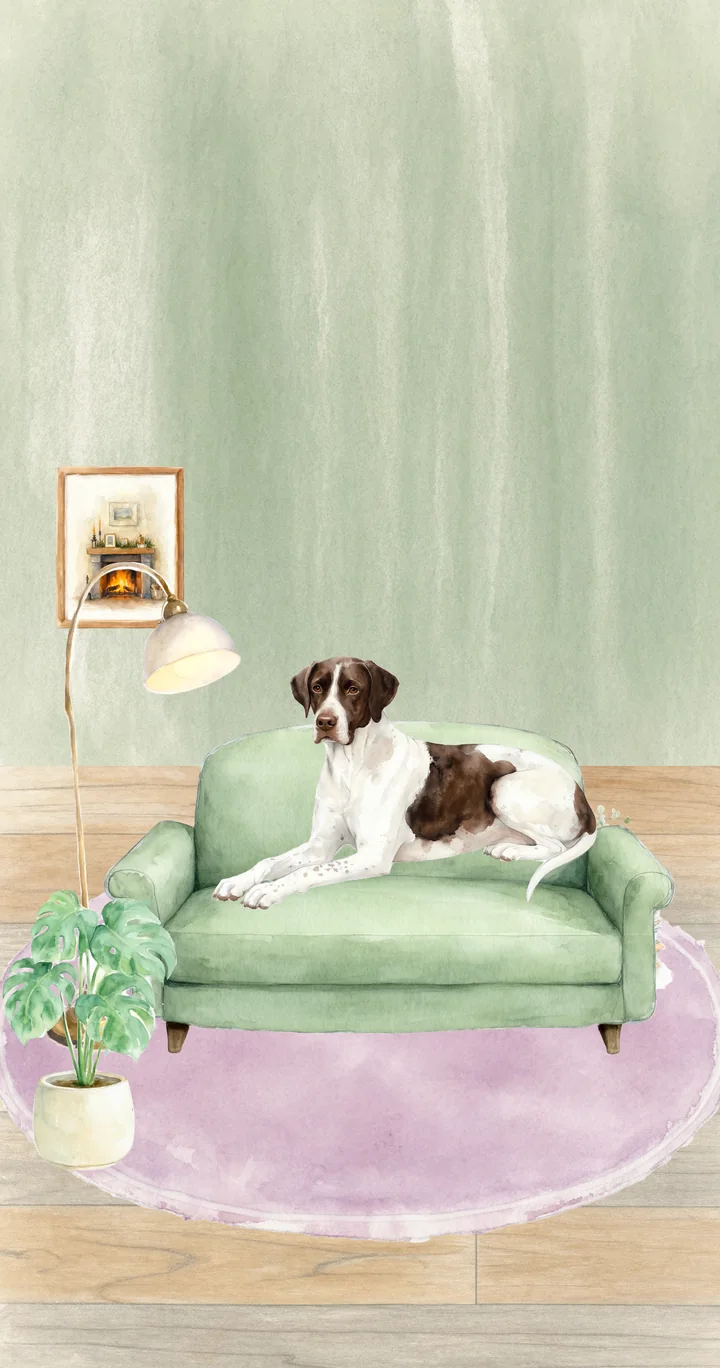
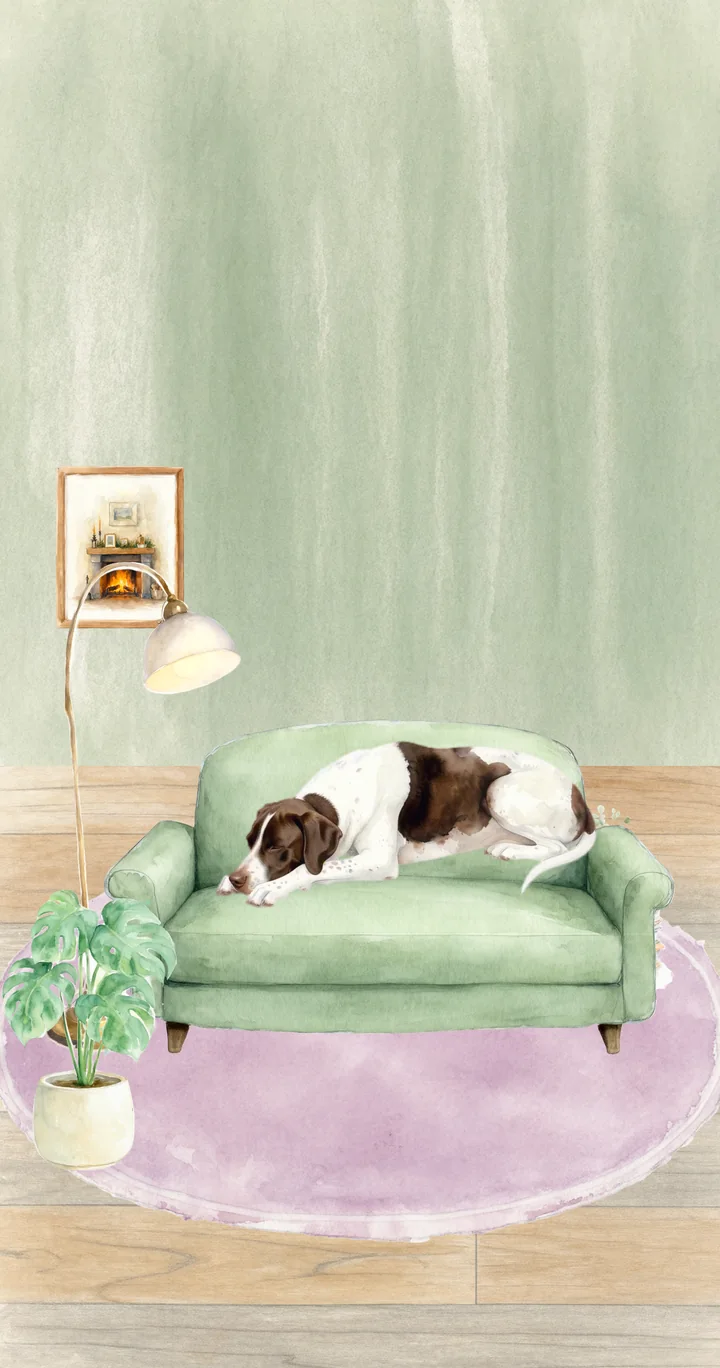
Patches settles into his chair while you work. Start a session and he keeps you company. Finish it and he might have found you something.

Patches is a Bull Arab, and he comes with Pro. Free lets you start with any of eight other breeds.
A Pomodoro timer that respects you. Set your lengths once, drag the ruler when today needs something different, and get on with it.
drag it, or use the arrow keys
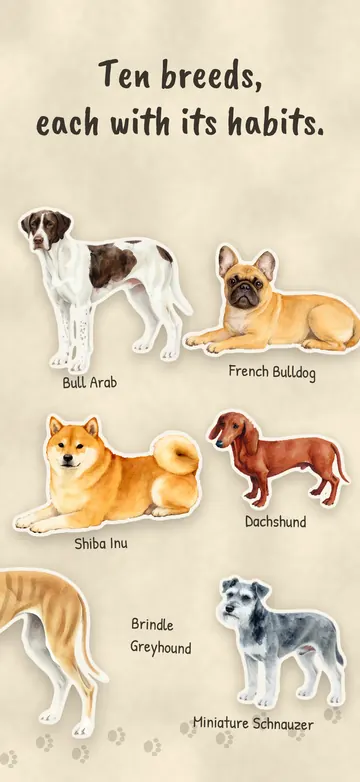
Pick a breed, give the dog a name, and it keeps you company its own way. Pro adds the Brindle Greyhound and the Bull Arab. Start with any of the others, and earn the rest with bones.
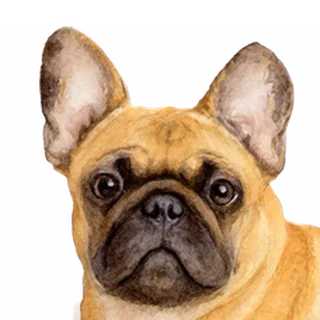 French BulldogAsleep by minute 2. Snores.
 Labrador RetrieverDozes off around minute 5.
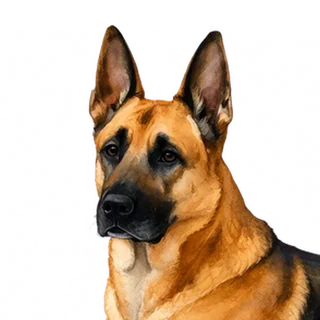 German ShepherdOn watch for six minutes before giving in.
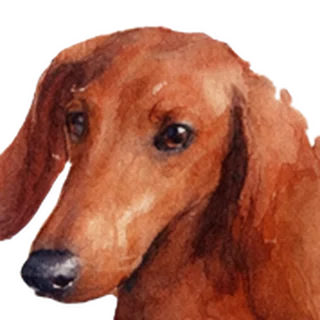 DachshundBurrowed in and asleep by minute 3.
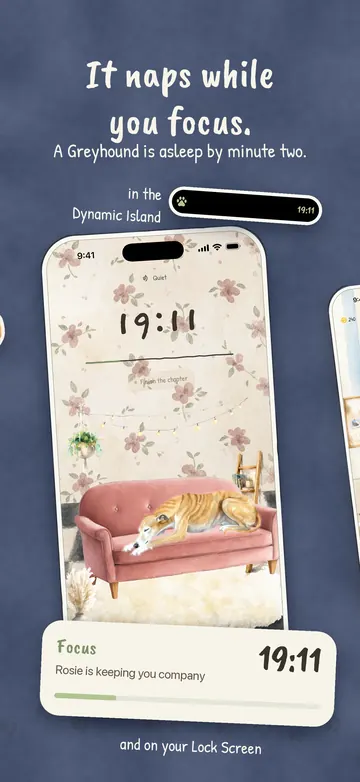
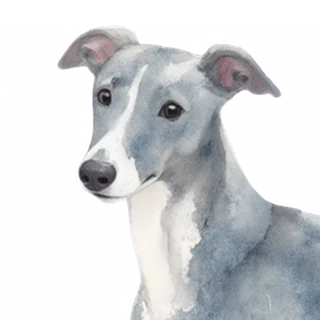 GreyhoundAsleep by minute 2. Flat out.
 Brindle GreyhoundProAsleep by minute 2. Flat out.
 Greyhound – WhiteAsleep by minute 2. Flat out.
 Bull ArabProSettles in after about four minutes.that’s Patches
 Shiba InuIgnores you for five minutes, then sleeps.
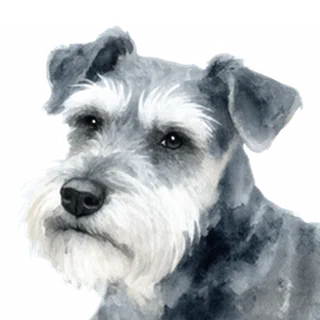 Miniature SchnauzerKeeps an eyebrow on you for five minutes.
Every dog gets a name of its own, asked when it joins. The card at the end of a session uses it: “25 minutes. Biscuit dozed off around minute 5.” More about the breeds.

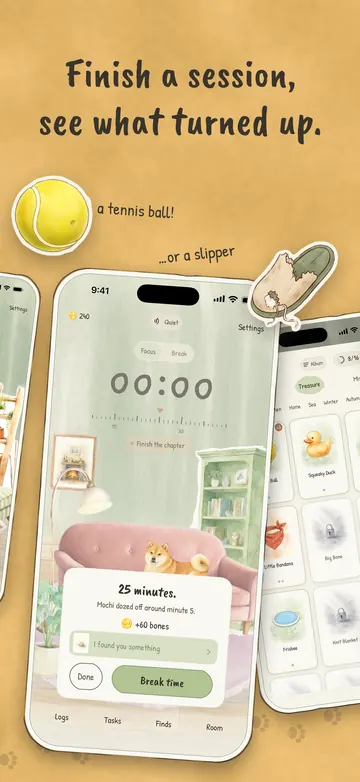
Finish a session and the dog might have found you something. Every so often, while you work, it gets bored and gets into something instead. Every find has a card, and the cards fill your Finds.
tap a card to turn it over
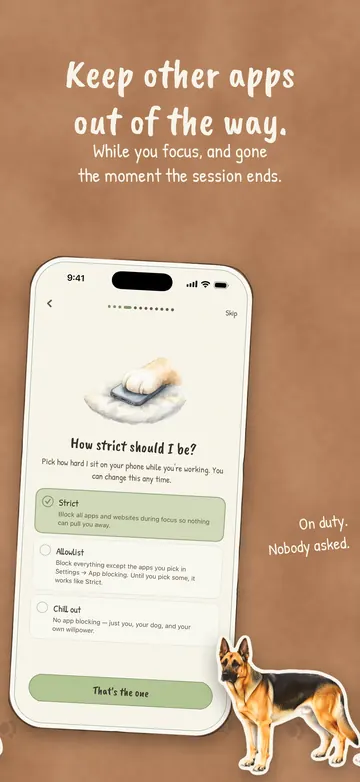
Strict shields your apps and websites while a session runs, using Screen Time on your own phone. Safari stays where it is, but the websites in it are shielded. Allowlist lets through only the apps you pick. Chill out doesn’t block anything at all.
The shields come down when the session ends, even if Doggydoro has been closed, and breaks are always yours. Turn on Bedtime and it does the same every night, between hours you set.
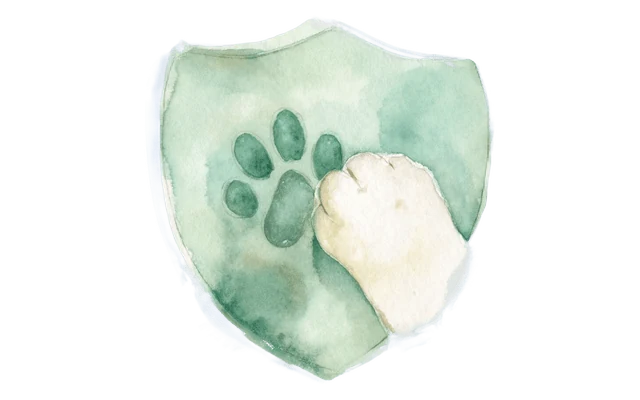 Nothing about what you block ever leaves your device. Doggydoro can’t even read the names of the apps you pick.
Your apps and websites are shielded until the session ends.
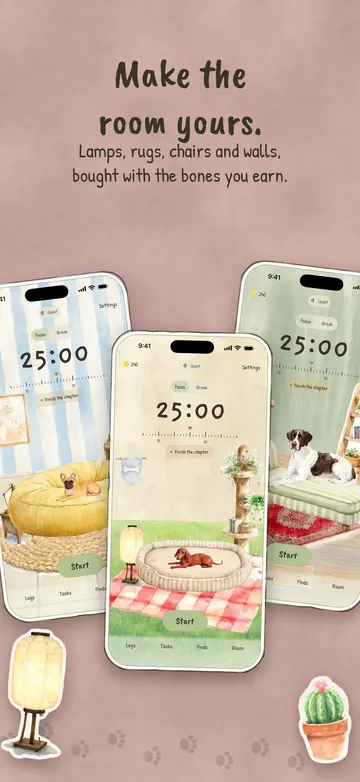
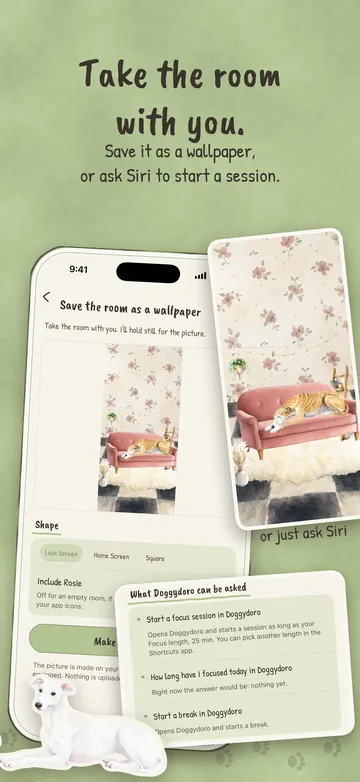
Sessions earn bones. Bones buy a lamp, a rug, a shelf, a different chair, a wall you like better. Hold anything to try it in the room first. The dog gets used to all of it. Bones also unlock more breeds and two more sounds.
 two bones for every minute you focus. Pro doubles it.






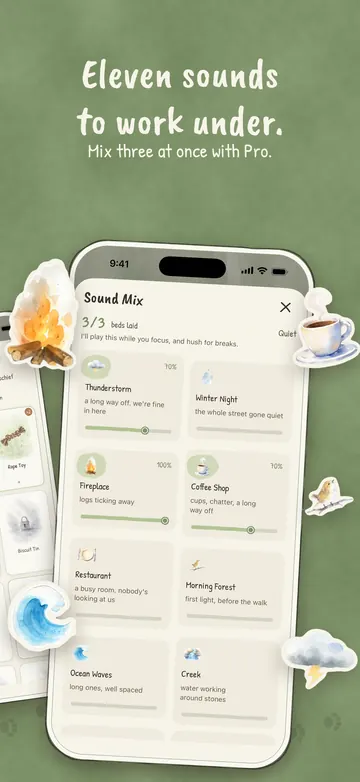
Eight field recordings and three colours of noise. The sound fades in when a session starts, breaks included, and out when it ends, and your own music can keep playing underneath.
Fireplace, Coffee Shop and Brown Noise are free, one at a time. Thunderstorm and Pink Noise cost bones. Pro opens the rest, mixes up to three at once, and saves the mix.
1/3 beds laid
I’ll play this through your sessions, breaks too.
Here you can lay three at once. In the app, mixing is Pro, and so are the sounds marked Pro.
While a session runs, the countdown sits on your Lock Screen and in the Dynamic Island, with your dog’s name on it. Pick the phone up and you know where you are without opening anything.

Logs keep today’s focus time and your streak, and the longest streak you’ve ever had is kept for good. There’s no streak freeze to buy. Pro adds week, month and year.
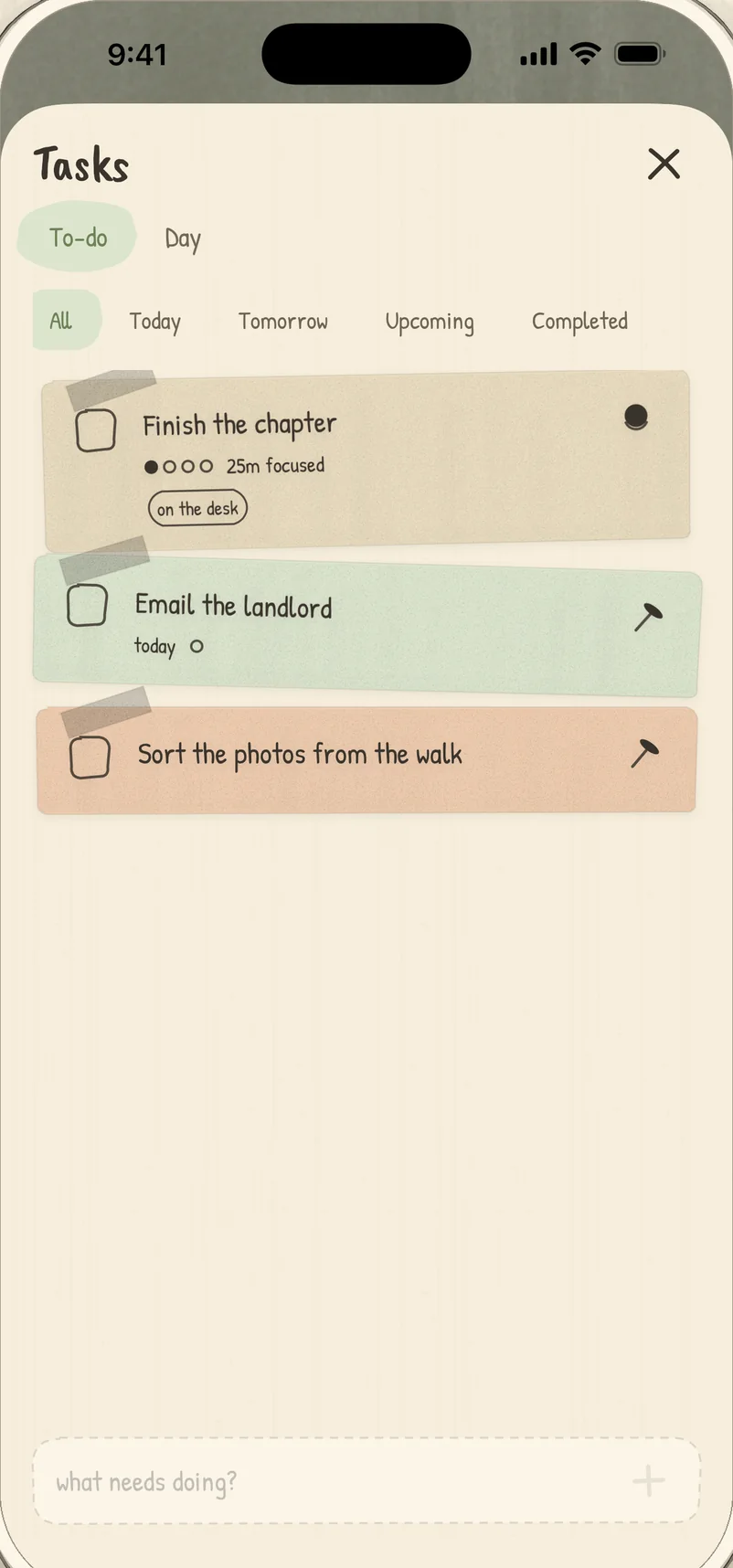
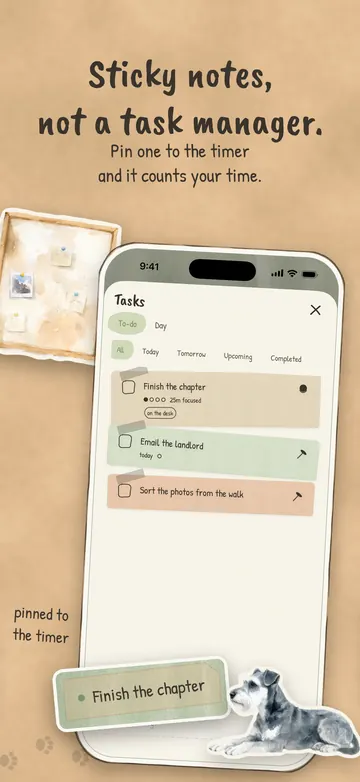
Notes stay in the order you put them. Pin one to the timer and it counts the time you spend on it. Guess how many sessions it’ll take, if you like, and watch the dots fill in.
The pictures from the App Store, all ten of them.
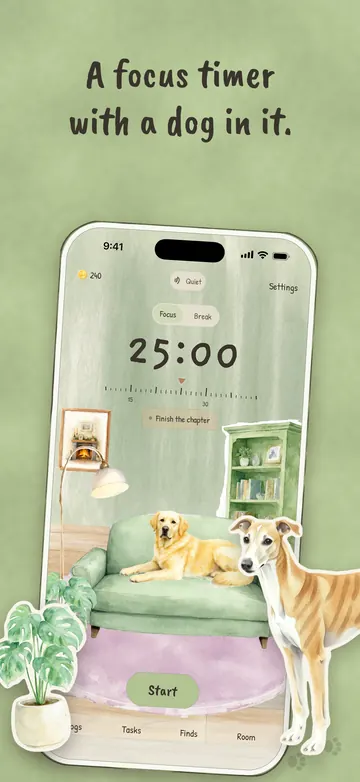
Everything you need to focus is free, for good. Pro is for when you’d like a little more of the dog, and to keep the lights on here.
 Double bones for every sessionPro-only finds and furniture
 Week, month and year in your Logs
 All eleven sounds, mixed three at a time
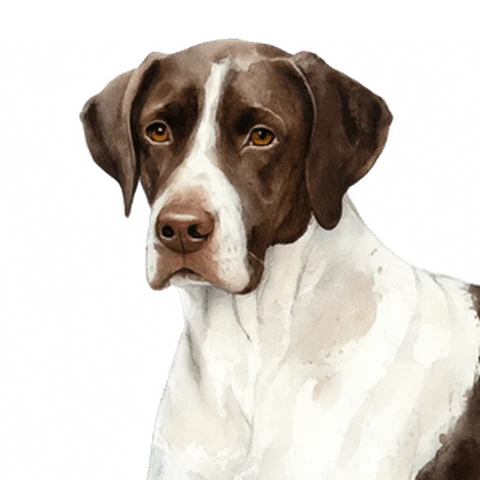 Patches. The Bull Arab comes with Pro, along with the Brindle Greyhound.
A one-time purchase, or monthly or yearly. Yearly starts with a free fortnight the first time. Every plan covers your family, up to six people.
Free starts you with any breed outside Pro. The others unlock with the bones you earn.
More in Support, or write to us at hello@doggydoro.app.
A timer that splits work into focused stretches with short breaks in between: classically 25 minutes on and 5 off, with a longer break after a few rounds. Doggydoro works the same way, but the lengths are yours, anywhere from 1 to 180 minutes, and a dog keeps you company while it runs.
Yes. The timer, a dog of your own, three sounds, Finds, your streak, tasks, app blocking, a bedtime lock and daily nudges are free for good. Pro adds more on top, if you want it.
Patches is a Bull Arab, and the Bull Arab comes with Pro, along with the Brindle Greyhound. Free lets you start with any of the other eight breeds, and the rest unlock with the bones you earn.
Yes. Every dog has a name of its own, and you’re asked for it when the dog joins. It’s the name on your Lock Screen and on the card at the end of a session.
No. There’s no sign-in and no server of ours. Your sessions, tasks and room live on your phone.
It was made for people who find a bare countdown a bit bleak, and plenty of them are students or have ADHD. It isn’t a medical tool and makes no promises about attention. It’s a gentle timer, a dog who dozes off beside you, and a way to keep the apps that pull at you out of reach until the session ends.
With Apple’s Screen Time, on your own phone. Strict shields your apps and websites while a session runs; Safari stays where it is, but the websites in it are shielded. Allowlist lets through the apps you choose in Apple’s own picker, and Doggydoro only ever holds a sealed token for them. Chill out blocks nothing. The shields come down when the session ends, even if Doggydoro has been closed.
Yes. Ask Siri to start a focus session or a break, or how long you’ve focused today. The same actions are in the Shortcuts app, for automations of your own.
Any iPhone on iOS 17 or later.
Not yet. It’s iPhone only for now. If enough people want it, Android is next: tap the Google Play badge to join the waitlist, and you’ll get one email if it lands.
Yes. Every Pro plan works with Family Sharing, so one purchase covers your family, up to six people.

Doggydoro is a focus timer for iPhone. Start a session whenever you’re ready. He’ll be here.