
A free 5 minute timer for breaks, with chips for 10 and 15. Use the time to get away from the screen. Stand, stretch, refill your water, look at something far away or green. A five-minute break won't rescue a long day on its own, but small regular ones tend to leave people less tired.
What should I do in a five-minute break?
Something that isn’t the thing you were just doing, ideally on your feet and away from a screen. Some that fit in five minutes:
- stand up and stretch your back and shoulders
- refill your water glass
- look out a window at the furthest thing you can see
- step outside and stand in the sun for a bit
- walk the dog to the gate and back, if you have one
- put the kettle on and wait for it without your phone
What doesn’t count: scrolling. The University of Rochester’s Learning Center calls spending breaks on social media and email a mistake, because the work you’re resting from probably happened on a screen too. There are more Pomodoro break ideas for short and long breaks.
Why step away from the screen?
Your eyes and your legs both get a turn. The American Optometric Association recommends the 20-20-20 rule for digital eye strain: every 20 minutes, look at something 20 feet away for 20 seconds. A five-minute break does that comfortably, with time to spare.
Then there’s the sitting. The NHS advises cutting down the time we spend sitting, including at a computer, and notes that you can meet your weekly activity target and still be at risk of ill health if you sit for the rest of the time. Standing up for five minutes won’t undo a desk job, but it’s a start.
Does a break this short actually do anything?
For how you feel, a bit, yes. For your output, don’t expect much. A 2022 meta-analysis of breaks lasting ten minutes or less found small but real gains in vigour and drops in fatigue. It found no clear overall effect on performance, apart from on less demanding tasks.
What you look at may matter too. In a University of Melbourne study, students who spent a 40-second break looking at an image of a flowering green roof made fewer errors afterwards than those who looked at bare concrete. So if there’s a garden, a tree or a patch of sky nearby, point yourself at it.
Why is the break the point?
Because it’s the part people skip. Most timers treat the break as dead air between the real work. This page treats it as the job.
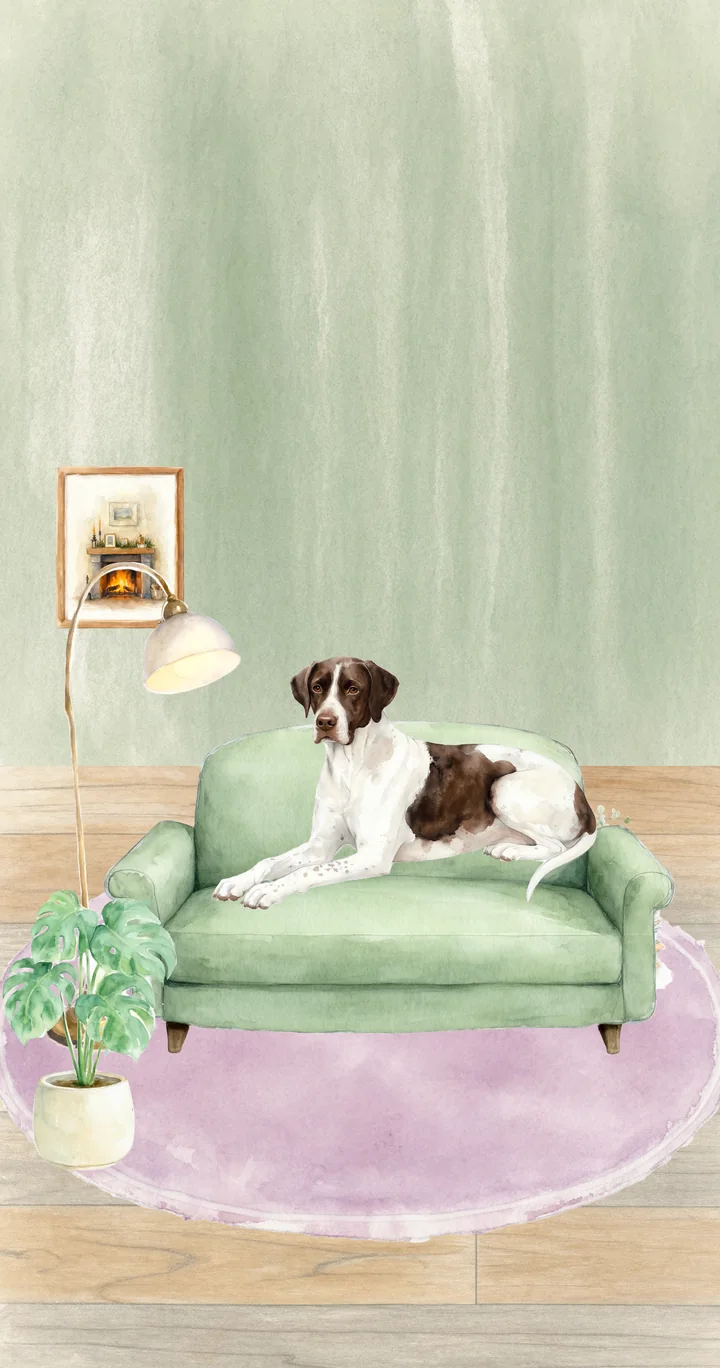
Press Start and the first five minutes are labelled Focus. Use them as your break, or as a five-minute anything: a tea, a stretch, sitting with your own dog. When it ends, a second five minutes follows if you want it. Patches settles in after about four minutes, so in a round this short he’s barely asleep when the chime goes. He’d say five minutes is just about right for a nap.
Only in the app
This page is the timer and Patches. Doggydoro for iPhone is the rest of the room:
- Ten breeds to choose from, and a name of your own for yours
- Finds at the end of a session, kept in a collection
- Other apps kept out of the way while you focus, and a bedtime lock
- The countdown on your Lock Screen and in the Dynamic Island
- A room you furnish with bones earned by focusing
- Eleven sounds to work under, sticky-note tasks, Logs and your streak

Other timers
- A Pomodoro timer with a dog in it: 25 minutes on, 5 off
- A 25 minute timer: 25 minutes on, 5 off
- A 50 minute timer: 50 minutes on, 10 off
- A 90 minute timer: 90 minutes on, 20 off
- A 15 minute timer: 15 minutes on, 5 off
- A study timer with a dog in it: 25 minutes on, 5 off
- A visual timer, with a dog for company: 15 minutes on, 5 off
Updated